Interactive rig diagram
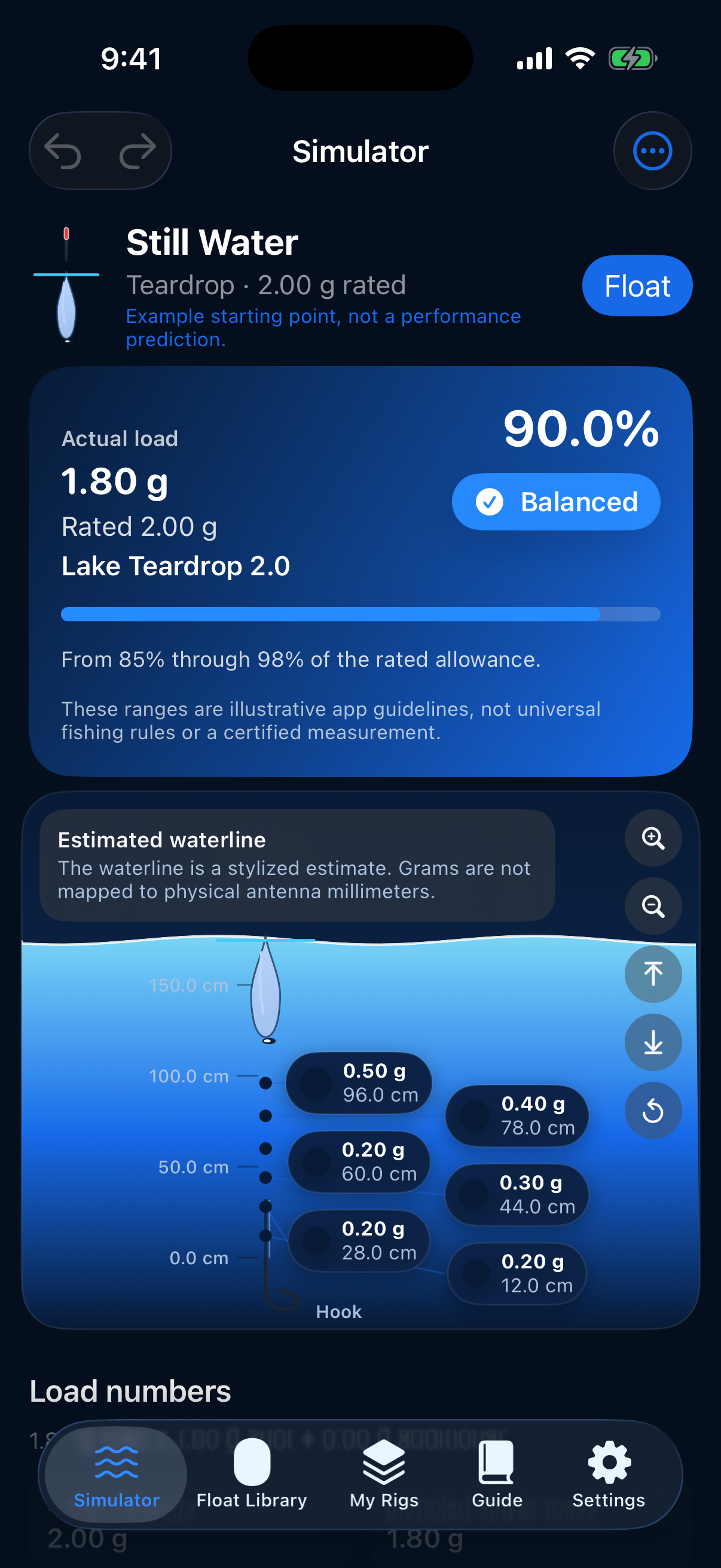
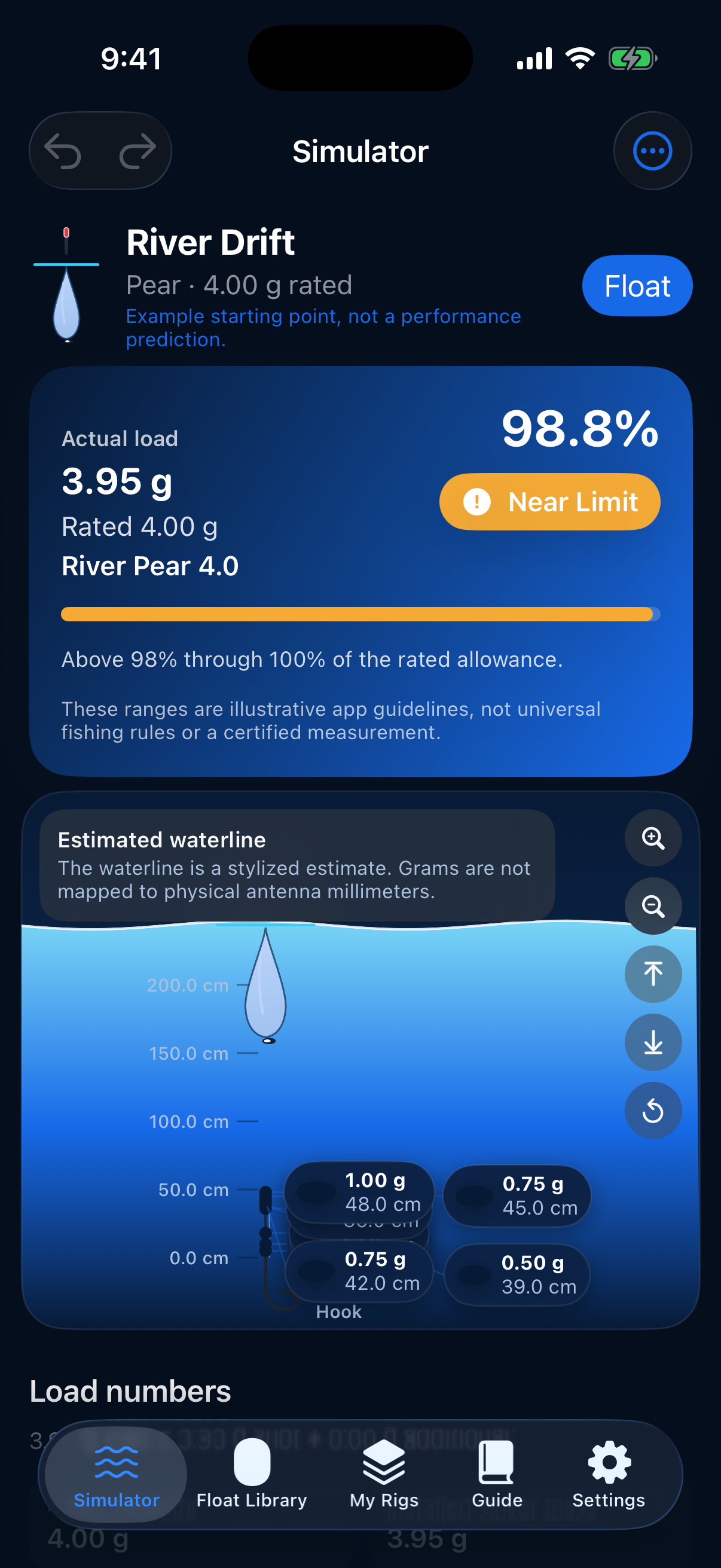
Place sinkers on the line, drag them to new depths, and watch load, rated capacity, and a stylized waterline respond on a vertical rig view.
Float rig simulator
Plan shot loading, balance your float, and save rigs before you reach the bank. Iceetch is built for float anglers who want a clear picture of capacity and rig geometry on the device they already carry.

Three focused tools: visualize loading, manage floats and rigs, and learn from the built-in guide.
Place sinkers on the line, drag them to new depths, and watch load, rated capacity, and a stylized waterline respond on a vertical rig view.
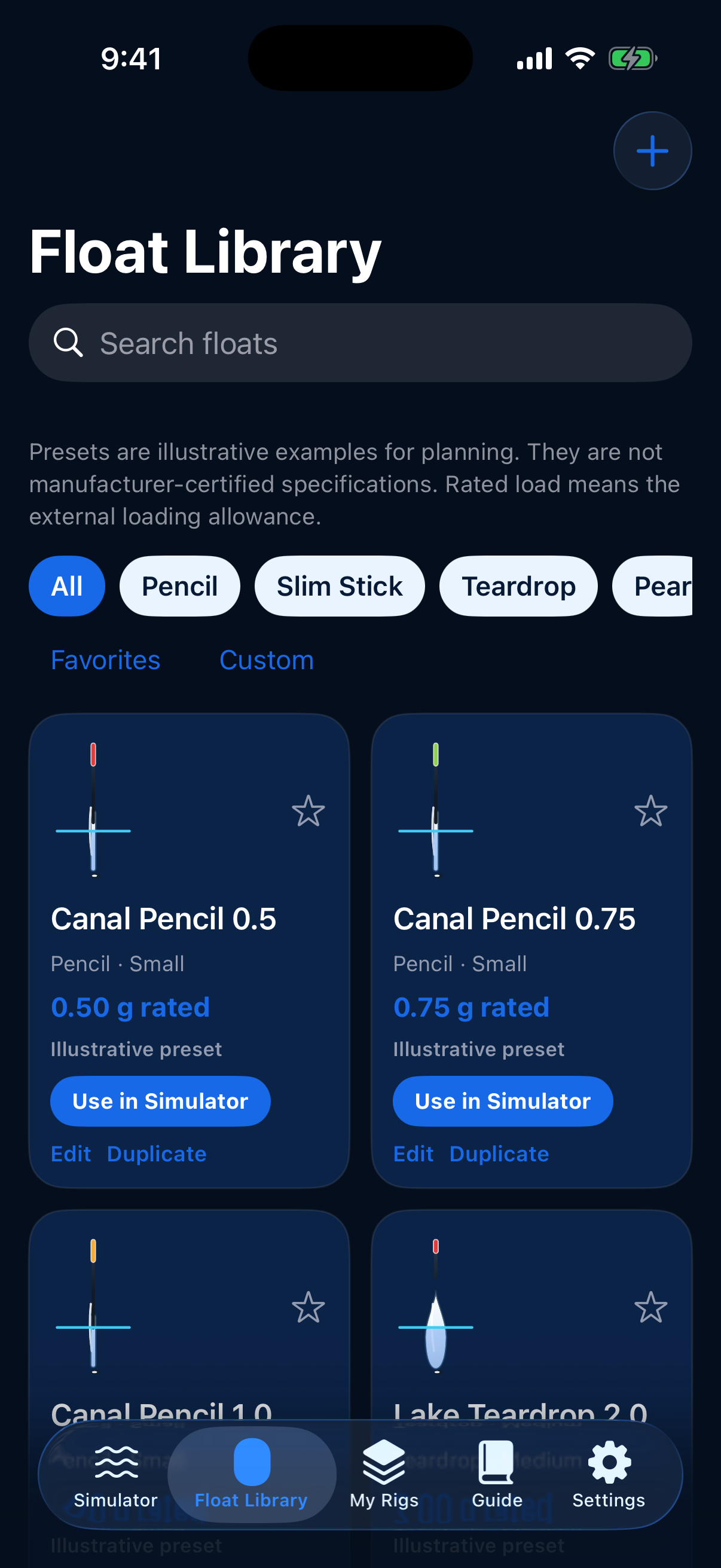
Browse pencil, teardrop, waggler, and other float styles with rated loads, then save rigs with example templates you can edit.
Spread shot with spacing patterns, preview balance additions, compare two setups, and read offline reference topics with sample calculations.
Screens from the Iceetch build: float catalog, balanced simulator, and near-limit river drift.
One page for App Store privacy and support links.
Last updated: October 21, 2026
Iceetch is developed for anglers who want to plan float rigs on their own device. This policy describes how the app handles information when you use Iceetch.
Data stored on your device. Float profiles, rig configurations, sinker positions, pinned snapshots, and preferences (such as units and appearance) are stored locally using on-device storage provided by iOS. Iceetch does not require you to create an account to use its core features.
Data we do not collect. Iceetch does not run its own analytics service, advertising network, or cloud sync for your rigs. The app is designed to work without sending your rig data to our servers.
Export and import. When you export a JSON library or share a rig image, you choose the destination (for example Files, Mail, or Messages). Those transfers are handled by iOS and the app you select; we do not receive copies.
Children. Iceetch is a utility app and is not directed at children under 13. We do not knowingly collect personal information from children.
Changes. We may update this policy if the app changes. The “Last updated” date at the top will change when we do.
Contact. Questions about privacy: foundsiyanahristova@gmail.com.
Iceetch helps you visualize float loading and rig layout. The waterline and capacity indicators are illustrative planning aids, not certified measurements for any specific float brand.
Getting help. Email foundsiyanahristova@gmail.com with your device model, iOS version, and a short description of what you were doing in the app. Screenshots of the Simulator or Settings screen are helpful.
Tips. Use the Guide tab for rated capacity, shot patterns, and why moving weights along the line changes geometry but not total load in the static model. Reset sample data from Settings if you want the four example rigs restored.
Feedback. Feature requests and bug reports are welcome at the same address.